
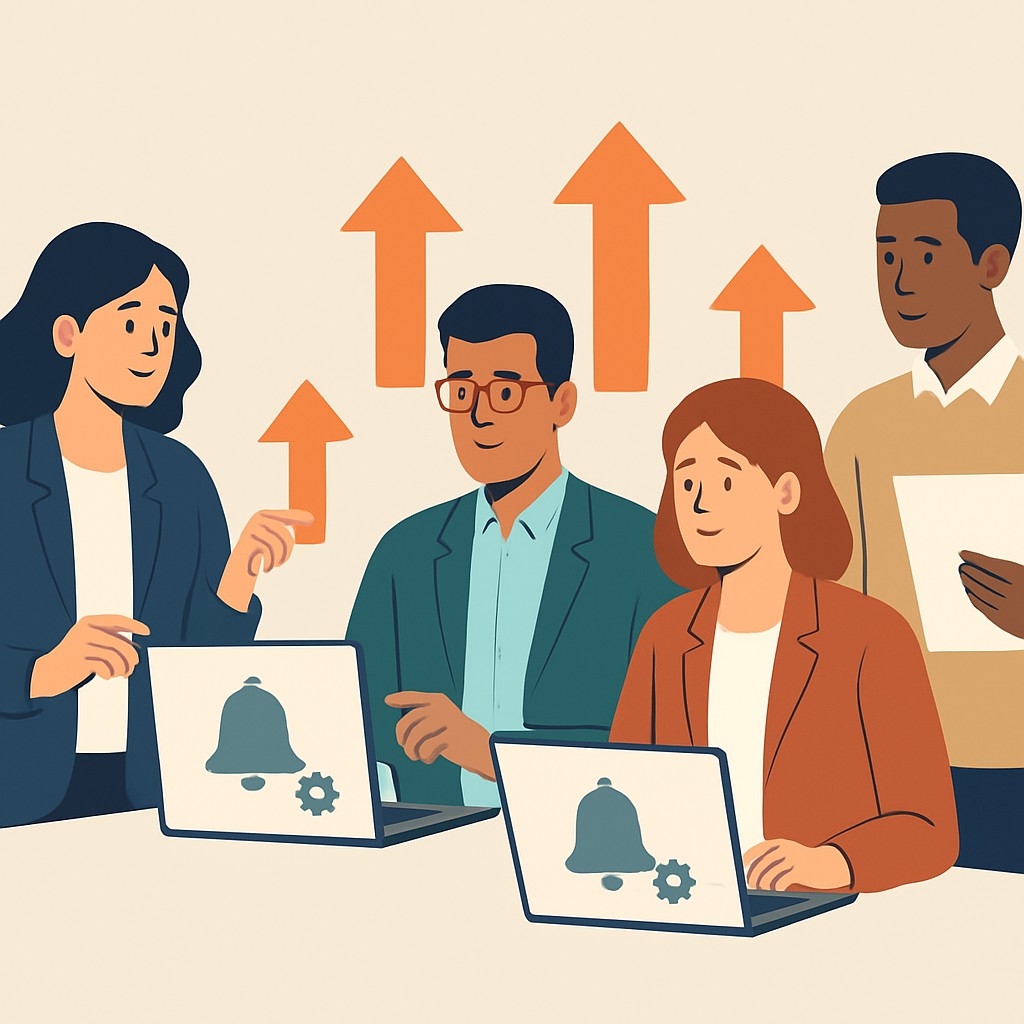

Understanding User Behavior and Notification Fatigue
What Drives User Interaction with Notifications
Users expect notifications to provide timely and relevant information.
They often respond positively when alerts align with their needs.
However, their attention is limited and easily distracted.
Therefore, notifications must capture interest quickly.
Moreover, personalization increases the chance that users engage with alerts.
The Impact of Notification Overload
Excessive notifications overwhelm users and cause frustration.
When users receive too many alerts, they may mute or disable them.
This behavior is known as notification fatigue.
It occurs because constant interruptions reduce perceived value.
Consequently, users lose trust in the app or service sending alerts.
Factors Contributing to Notification Fatigue
Frequency of alerts is a major contributor to fatigue.
Irrelevant or redundant messages further diminish user satisfaction.
Poor timing, such as alerts during non-working hours, annoy recipients.
Additionally, lack of user control over notification preferences frustrates users.
Hence, designers should enable granular customization options.
Psychological Aspects of User Response
Users process notifications within the context of their current tasks.
Interruptions can cause stress and reduce productivity.
Devices competing for attention create cognitive overload.
Positive experiences with notifications build user trust and engagement.
On the other hand, negative experiences lead to avoidance behaviors.
Strategies to Understand User Preferences
Gathering user feedback helps identify preferred notification types.
Conducting A/B testing can reveal effective message timing and content.
Behavioral analytics show how users interact with each alert.
Surveys and interviews provide qualitative insights on notification tolerance.
Combined data guides the design of less intrusive notification systems.
Defining Clear Objectives for Your Notification System
Identifying the Purpose of Notifications
Start by determining why your notification system exists.
Clearly defined goals guide the design and functionality of alerts.
For example, a banking app might notify users about suspicious activities.
Meanwhile, a fitness tracker sends reminders to encourage daily workouts.
Thus, understanding purpose ensures notifications stay relevant and valuable.
Targeting the Right Audience
Next, identify who will receive the notifications.
Consider user demographics, preferences, and behaviors.
Knowing your audience helps tailor messages and frequency effectively.
For instance, millennials may prefer brief, push notifications.
Conversely, professionals might benefit from email summaries.
Balancing Frequency and Importance
Establish how often notifications should appear.
Too many messages overwhelm users and lead to muting.
However, infrequent alerts risk missing critical information.
Prioritize notifications by urgency and user impact.
For example, use real-time alerts for security and occasional updates for promotions.
Build The Software Your Business Needs To Grow
The next stage of your business will need better systems, smarter automation, and stronger digital tools. We help businesses turn ideas into websites, apps, and software platforms built for growth, revenue, and long-term scale.
Build For GrowthMeasuring Success Through User Engagement
Define metrics to evaluate notification effectiveness.
Track open rates, interaction, and user feedback regularly.
These insights help refine messaging and timing strategies.
Companies like NovaCare Solutions use A/B testing to optimize alerts.
Therefore, set measurable goals to improve user satisfaction continuously.
Segmenting Users for Personalized Notification Delivery
Identifying User Characteristics
Effective segmentation begins with understanding user traits.
Demographics such as age, location, and occupation provide valuable insights.
Behavior patterns reveal how users interact with your platform.
Preferences indicate which notifications users find relevant.
Grouping Users Based on Engagement Levels
Classify users by how often they engage with your service.
Highly active users may prefer frequent, detailed notifications.
Less active users might appreciate minimal, concise messages.
Adjusting frequency prevents user fatigue and potential muting.
Leveraging Data to Tailor Notifications
Utilize analytics to customize notification content and timing.
For example, send product updates only to users interested in new features.
Remind inactive users about benefits to encourage return visits.
This targeted approach increases relevance and keeps users engaged.
Implementing Dynamic Delivery Strategies
Adopt flexible systems that adjust delivery based on real-time data.
For instance, delay notifications during users’ typical inactive hours.
Vary message formats to match user preferences.
Such responsiveness enhances user experience and reduces notification muting.
Key Benefits of Personalized Notification Segmentation
- Improves user satisfaction by respecting individual needs.
- Increases open rates through relevant content delivery.
- Reduces churn caused by overwhelming or irrelevant alerts.
- Builds trust by demonstrating understanding of user habits.
Explore Further: Writing Requirements That Developers Can Build From
Choosing the Right Channels and Timing for Notifications
Selecting Effective Notification Channels
Understanding your audience helps in choosing the best notification channels.
Some users prefer email.
Others engage more with mobile push notifications.
SMS can be effective for urgent updates or time-sensitive alerts.
For that reason, companies like ClearStream Media use a mix of channels to increase reach.
Integrating in-app notifications keeps users informed without causing disruption.
Always match the channel to the message urgency and content type.
Timing Notifications for Maximum Impact
Sending notifications at appropriate times greatly improves user engagement.
Begin by analyzing user behavior to find when they are most active.
For example, AlertWay Solutions discovered peak interaction occurs in late mornings.
Therefore, scheduling notifications during these hours captures user attention better.
Avoid sending notifications during late nights or busy periods.
This respect for user time reduces the chance they will mute alerts.
Leveraging User Preferences and Context
Allowing users to customize notification preferences enhances their experience.
For instance, HealthLine Connect lets users select channels and quiet hours.
Adapting notifications to user context increases relevance.
GeoTrade implements location-based triggers, so users receive more meaningful alerts.
Combining personalization with smart timing improves retention significantly.
Build The Software Your Business Needs To Grow
The next stage of your business will need better systems, smarter automation, and stronger digital tools. We help businesses turn ideas into websites, apps, and software platforms built for growth, revenue, and long-term scale.
Build For GrowthBest Practices for Channel and Timing Strategy
- Use data-driven insights to select channels with the highest engagement rates.
- Respect user time zones and daily routines when scheduling notifications.
- Test different timing windows to optimize open and response rates.
- Provide clear options for users to customize their notification experience.
- Monitor feedback continuously and adjust your strategy accordingly.
Learn More: Change Requests: Pricing and Process That Feel Fair
Crafting Concise, Relevant, and Actionable Notification Content
Keeping Notification Content Clear and Concise
Clear notifications capture attention effectively.
Avoid unnecessary words or jargon in messages.
Each notification should communicate one main idea simply.
Users appreciate brevity to avoid feeling overwhelmed.
Matthew Spencer, a UX strategist at InfraTech, emphasizes clarity over length.
Concise content respects users’ time and focus.
Ensuring Notifications Remain Relevant to Users
Relevance increases notification engagement significantly.
Tailor messages based on user preferences and behavior.
This personalization shows users that notifications matter to them.
Avoid sending generic or irrelevant updates that annoy users.
For example, Veridian Analytics uses AI to filter and deliver personalized alerts.
Relevant content builds trust and reduces opt-outs.
Making Notifications Actionable to Drive User Engagement
Actionable notifications prompt meaningful user responses.
Include clear calls to action that guide the next steps immediately.
Jessica Porter, product manager at BrightWave, highlights this practice.
Providing direct links or buttons reduces friction when responding.
Specify deadlines or benefits to encourage timely action.
For instance, “Confirm your appointment by 5 PM” motivates prompt replies.
Best Practices for Notification Content
- Use active verbs to inspire urgency and clarity.
- Segment audiences to deliver targeted messages.
- Test variations to see which messages perform best.
- Respect users’ do-not-disturb preferences and schedules.
- Balance frequency to avoid overwhelming recipients.
Implementing these tactics enhances overall notification effectiveness.
Users are less likely to mute or ignore notifications.
Explore Further: Custom Software vs SaaS: A US Founder’s Decision Guide
Implementing Smart Frequency Controls and Throttling Mechanisms
Balancing Notification Frequency
Excessive notifications push users to mute alerts quickly.
Balancing notification frequency enhances user engagement effectively.
Start by setting limits on how often notifications appear each hour or day.
Olivia Martinez, who leads UX at Skylar Innovations, recommends adaptive limits based on user interaction.
Adaptive limits increase notification frequency when users actively engage with the app.
Conversely, the system reduces frequency during periods of low engagement.
This strategy respects user attention while keeping them informed consistently.
Using Dynamic Throttling Based on Behavior
Dynamic throttling adjusts notification pace according to user behavior patterns.
Moreover, it prevents overwhelming users during busy or inactive times.
Jack Reynolds, product manager at NovaWave Solutions, implemented behavior-based throttling successfully.
He reduced opt-outs by 30 percent through this method.
System intelligence tracks responsiveness and timing preferences carefully.
If users consistently miss notifications at specific times, the system lowers frequency temporarily.
Additionally, honoring quiet hours or “do not disturb” settings respects personal boundaries.
These mechanisms create a respectful communication flow users appreciate deeply.
Grouping and Bundling Notifications
Grouping related notifications into bundles reduces disruption significantly.
For example, combine multiple alerts into a single summary instead of sending them quickly in succession.
Sarah Kim, UX lead at VeroSoft Technologies, emphasizes bundling lowers notification fatigue.
Build The Software Your Business Needs To Grow
The next stage of your business will need better systems, smarter automation, and stronger digital tools. We help businesses turn ideas into websites, apps, and software platforms built for growth, revenue, and long-term scale.
Build For GrowthDevelopers can use time windows or event thresholds to trigger bundled notifications efficiently.
Users receive fewer messages but remain fully informed about updates.
This approach reduces the urge to mute notifications altogether.
Leveraging User Preferences and Controls
Allowing users to customize notification frequency increases satisfaction considerably.
Martin Lopez, head of customer experience at ArcWave Digital, supports preference dashboards.
These dashboards enable users to select topics and set preferred notification intervals easily.
Moreover, clear options to pause or snooze notifications empower users further.
Respecting these choices builds trust and supports long-term app retention.
Personalized settings align notifications with individual lifestyles seamlessly.
Explore Further: Building Admin Panels That Ops Teams Don’t Hate
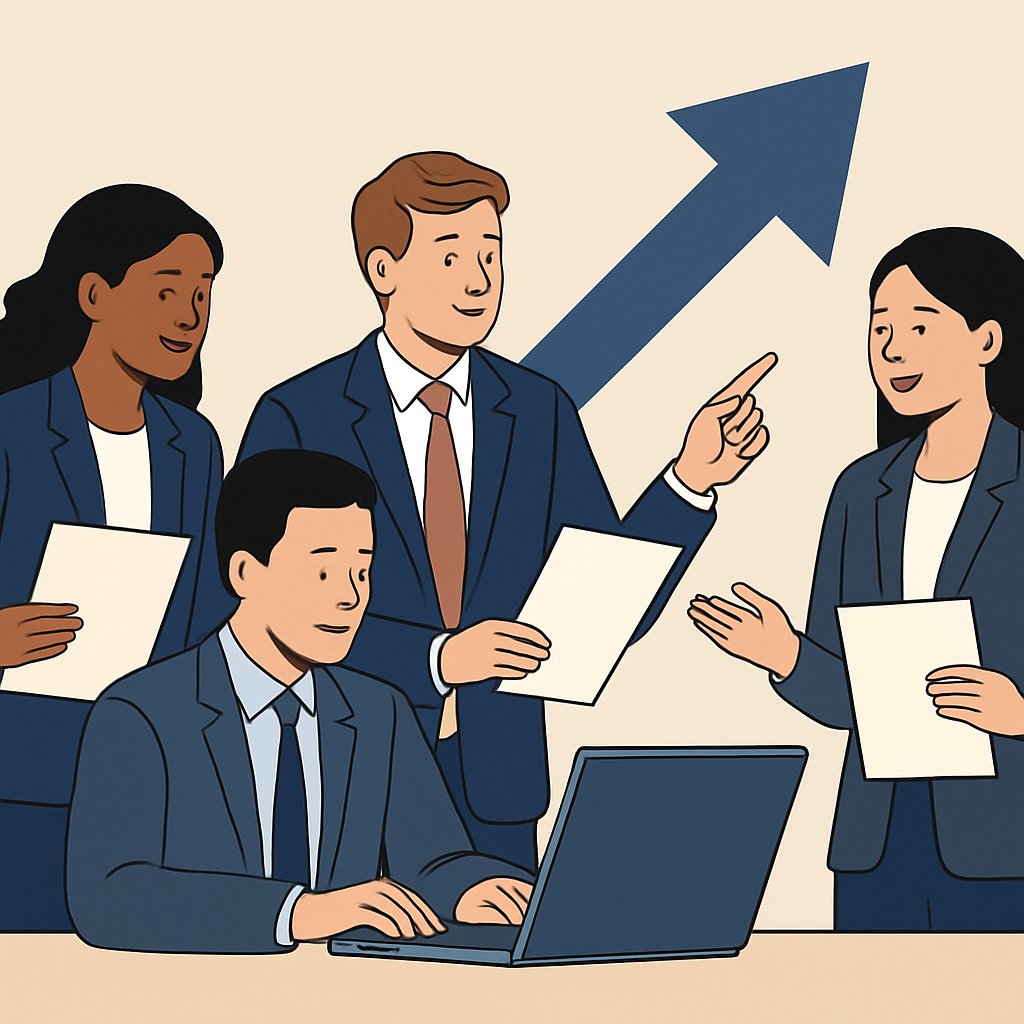
Incorporating User Preferences
Understanding Individual Needs
Designers must recognize that users have diverse notification preferences.
Some users prefer only urgent alerts.
Others want detailed updates.
Platforms should allow customization to respect those differences.
Providing Clear Preference Settings
Offering an intuitive interface helps users easily adjust their notification choices.
Clear labels and simple toggles improve user control over notifications.
Descriptive explanations reduce confusion and encourage engagement.
Adapting to Changing Preferences
User preferences evolve over time and contexts.
Systems should enable users to update settings effortlessly whenever needed.
Periodic preference reviews can remind users to refine their options.
Opt-in and Opt-out Options
Importance of Explicit Consent
Always seek explicit consent before sending any notifications.
This approach ensures users feel respected and in control.
Opt-in systems reduce the risk of users muting notifications.
Designing Effective Opt-in Flows
Present clear, concise information about notification benefits during sign-up.
Use friendly language to encourage users to opt in voluntarily.
Offer examples of notification types to set expectations accurately.
Easy Opt-out Mechanisms
Make opting out straightforward and accessible at any time.
Provide simple buttons or links to adjust notification settings quickly.
This transparency builds trust and prevents frustration among users.
Balancing Frequency and Relevance
Allow users to choose notification frequency based on their tolerance.
Ensure messages remain relevant to user interests and behaviors.
This balance minimizes unnecessary interruptions and enhances user satisfaction.
Analyzing Feedback and Metrics to Continuously Improve Notifications
Collecting User Feedback Effectively
Gathering user feedback forms the foundation for improving notification systems.
Surveys and in-app prompts encourage users to share their opinions.
Moreover, interviews provide deeper insights into user experiences.
Social media monitoring also reveals real-time reactions to notifications.
Therefore, combining multiple feedback channels captures a comprehensive view.
Leveraging Quantitative Metrics
Quantitative data indicates how users interact with notifications.
Click-through rates and open rates reveal engagement levels.
Additionally, tracking opt-out and mute rates highlights dissatisfaction.
Build The Software Your Business Needs To Grow
The next stage of your business will need better systems, smarter automation, and stronger digital tools. We help businesses turn ideas into websites, apps, and software platforms built for growth, revenue, and long-term scale.
Build For GrowthRetention metrics show whether notifications contribute to user loyalty.
Thus, monitoring these metrics helps identify areas needing improvement.
Analyzing Feedback to Identify Patterns
Consistent patterns emerge by examining qualitative and quantitative data together.
For instance, frequent complaints about timing suggest scheduling issues.
Many users might dislike repetitive or irrelevant notifications.
Detecting these trends guides prioritization of necessary changes.
Consequently, data-driven decisions enhance the notification experience.
Implementing Iterative Improvements
Continuous improvement requires testing changes on a small user group first.
A/B testing different notification styles uncovers the most effective methods.
Feedback from beta users refines the messaging and frequency.
Then, successful adjustments roll out to the wider user base.
Ongoing monitoring ensures improvements meet user expectations.
Establishing a Feedback Loop to Build Trust
Creating a feedback loop keeps communication transparent with users.
Informing users about changes made based on their input builds trust.
Regular updates invite further suggestions and encourage engagement.
This dynamic process fosters a user-centered notification system.
In turn, users feel valued and less likely to mute notifications.
Leveraging Context and User Activity to Enhance Relevance
Understanding User Context
Designing notification systems starts with understanding user context.
This includes factors such as location, time of day, and current device use.
Notifications during meetings or late hours may annoy users.
Collecting context data helps tailor notifications more appropriately.
Companies like Sentinel Analytics use geofencing to send location-relevant alerts.
Incorporating User Activity for Timing
Tracking user activity allows sending notifications at optimal moments.
For example, ApexSoft analyzes when users engage most with their apps.
Sending alerts during active periods increases engagement and reduces muting.
Pausing notifications during focused tasks respects user concentration.
Smart timing relies on real-time data about app usage and interaction patterns.
Personalizing Content Based on Behavior
Personalization boosts notification relevance significantly.
Analytics from companies like GreenWave Solutions help tailor messages perfectly.
They segment users by preferences, past actions, and interaction frequency.
Users receive notifications that match their interests and needs.
This reduces the chance of ignoring or muting alerts.
Best Practices for Context-Aware Notifications
- Gather user permission transparently to access contextual data.
- Analyze patterns without compromising privacy or overwhelming resources.
- Implement dynamic scheduling based on user routines and preferences.
- Customize message content to reflect user activity and location.
- Test and iterate using A/B testing for continuous improvement.
Examples of Effective Contextual Notification Implementation
CloudSync Inc. sends backup alerts only when devices are idle.
Similarly, ActiveStride app delays fitness reminders if users are active outdoors.
These strategies foster trust and minimize notification fatigue.
Users feel notifications are helpful rather than intrusive.
Ensuring Accessibility in Notification Design
Designing for Diverse User Abilities
Inclusive notifications accommodate users with varied abilities.
For example, visual notifications should include text alternatives.
Screen readers benefit from clear, descriptive notification messages.
Moreover, auditory notifications require adjustable volume and tone settings.
Build The Software Your Business Needs To Grow
The next stage of your business will need better systems, smarter automation, and stronger digital tools. We help businesses turn ideas into websites, apps, and software platforms built for growth, revenue, and long-term scale.
Build For GrowthColor choices must consider color blindness by using high contrast.
Developers should test notifications with users who have disabilities.
Implementing Customization Options
Allowing users to customize notifications fosters better engagement.
Users may prefer different alert sounds or vibration patterns.
Providing options to change notification frequency reduces annoyance.
Additionally, users should control notification display duration on screens.
Platforms like NovaNotify and AlertWise enable personalized notification settings.
Creating Non-intrusive Notification Experiences
Balancing Attention and Disruption
Notifications need to capture user attention without causing frustration.
They should avoid interrupting critical user tasks or workflows.
Subtle animations or badge icons can inform without being overwhelming.
Context-aware delivery ensures notifications appear at appropriate moments.
For instance, a banking app might delay alerts during active transactions.
Using Smart Timing and Grouping
Timing plays a crucial role in notification acceptance.
Batching related notifications lessens cognitive load and decreases irritation.
PushWave uses AI to group messages based on user priorities.
Quiet hours should respect user preferences for silent notification periods.
Furthermore, providing summary notifications keeps alerts concise and relevant.
Additional Resources
IntelliMix Room User Guide – Shure
10 Things I’ve Learned About Social Media This Year
Before You Go…
Hey, thank you for reading this blog post to the end. I hope it was helpful. Let me tell you a little bit about Nicholas Idoko Technologies.
We help businesses and companies build an online presence by developing web, mobile, desktop, and blockchain applications.
We also help aspiring software developers and programmers learn the skills they need to have a successful career.
Take your first step to becoming a programming expert by joining our Learn To Code academy today!
Be sure to contact us if you need more information or have any questions! We are readily available.